Welcome to Sinarmas Agribusiness & Food
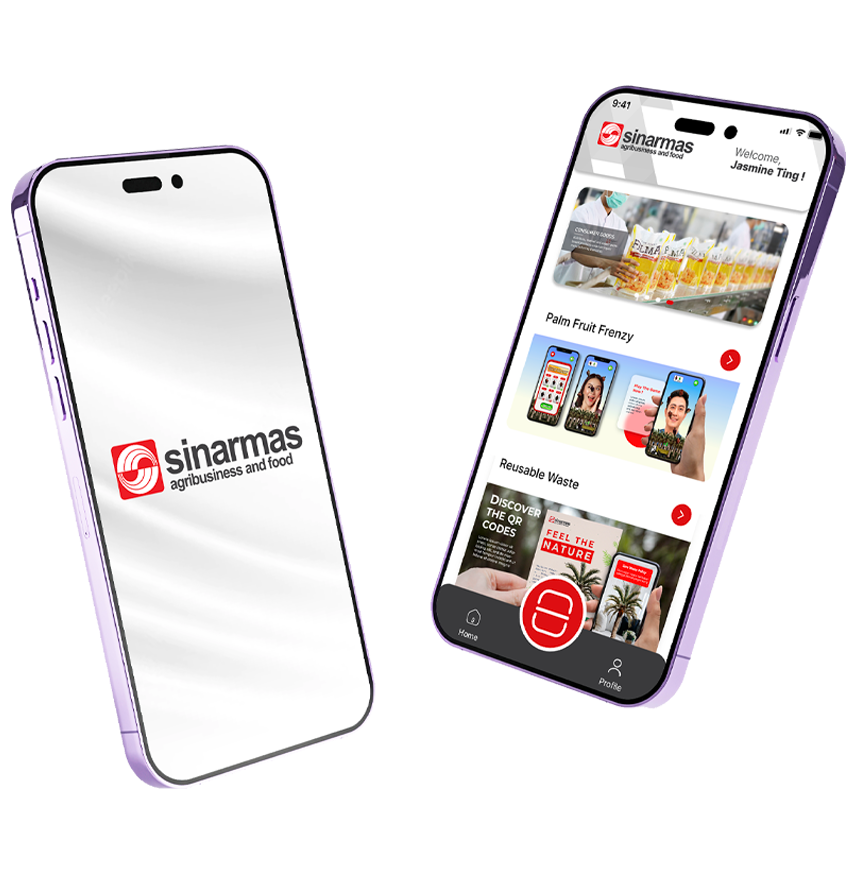
Our app objective is to educate and provide a fun experience to users across different demographic, via simple augmented reality mobile games and key information of our business.

FIND OUT MORE
Some of the best features
- Scalable and interactive technologies to engage our existing and current investors and key stakeholders of SInarmas Agribusiness and Food on how we run our palm oil business from seed-to-shelf, anytime and anywhere.
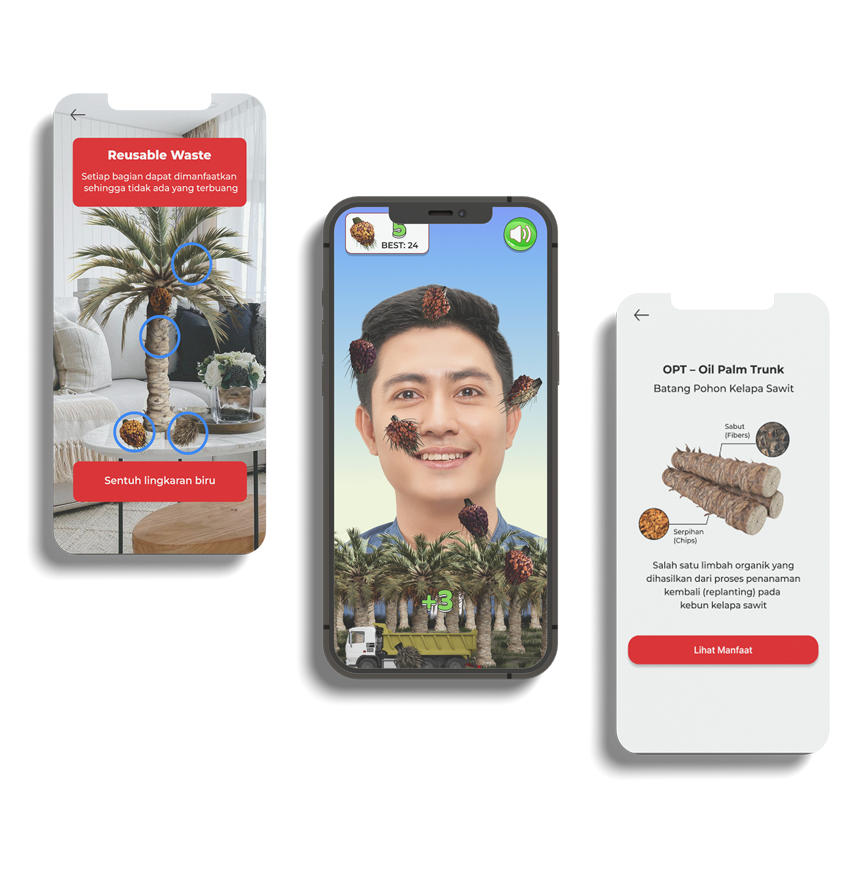
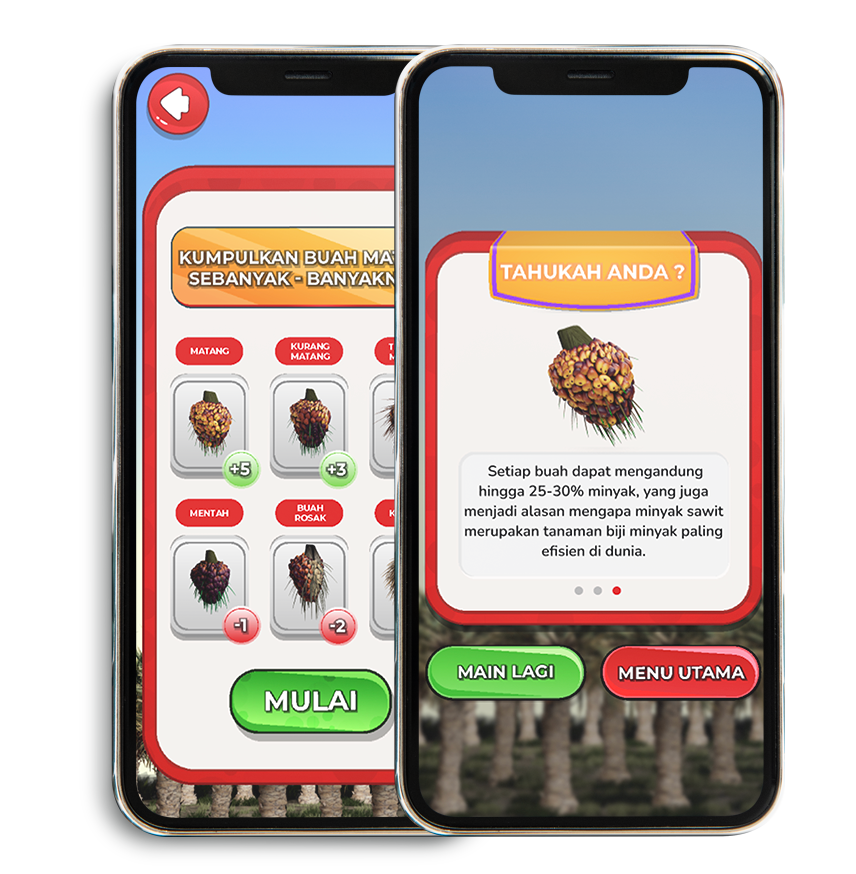
- This the first app deployed for the company, that will consist of a AR mobile game using facial recognition feature and 3D modelling whilst educating our users what product we harvest in Upstream at the right quality and it’s benefits.
- There will also be a ‘Picture AR’ feature users can scan with their camera to view the 3D assets consisting of our palm oil tree, fresh fruit bunches etc. This will showcase how our company manages wastes that are reused and recycled back into our production.
Happen Anywhere, Anytime
FAQs
Frequently Asked Questions
To download an app from the Google Play Store, first, open the Play Store app on your Android device. Use the search bar to find the desired app or browse through the featured apps. Tap on the app to view its details, including the description, screenshots, and user reviews. If you decide to proceed, tap the “Install” button. The app will start downloading, and you can monitor the progress with a download bar. Once the download is complete, the button will change to “Open.” Tap it to launch the app. You can find the app’s icon on your device’s home screen or app drawer.
This the first app deployed for the company, that will consist of a AR mobile game using facial recognition feature and 3D modelling whilst educating our users what product we harvest in Upstream at the right quality and it’s benefits. There will also be a ‘Picture AR’ feature users can scan with their camera to view the 3D assets consisting of our palm oil tree, fresh fruit bunches etc. This will showcase how our company manages wastes that are reused and recycled back into our production
Provide a deeper understanding of our palm oil business by engaging our investors in a new interactive and intuitive way using augmented reality. Our app objective is to educate and provide a fun experience to users across different demographic, via simple augmented reality mobile games and key information of our business.
Problem? Send Us a Message
Copyright © 2023 Sinarmas Agribusiness & Food. All rights reserved. Designed by Digitalfren.